
App vs Website: How Privacy and Accessibility Can Differ
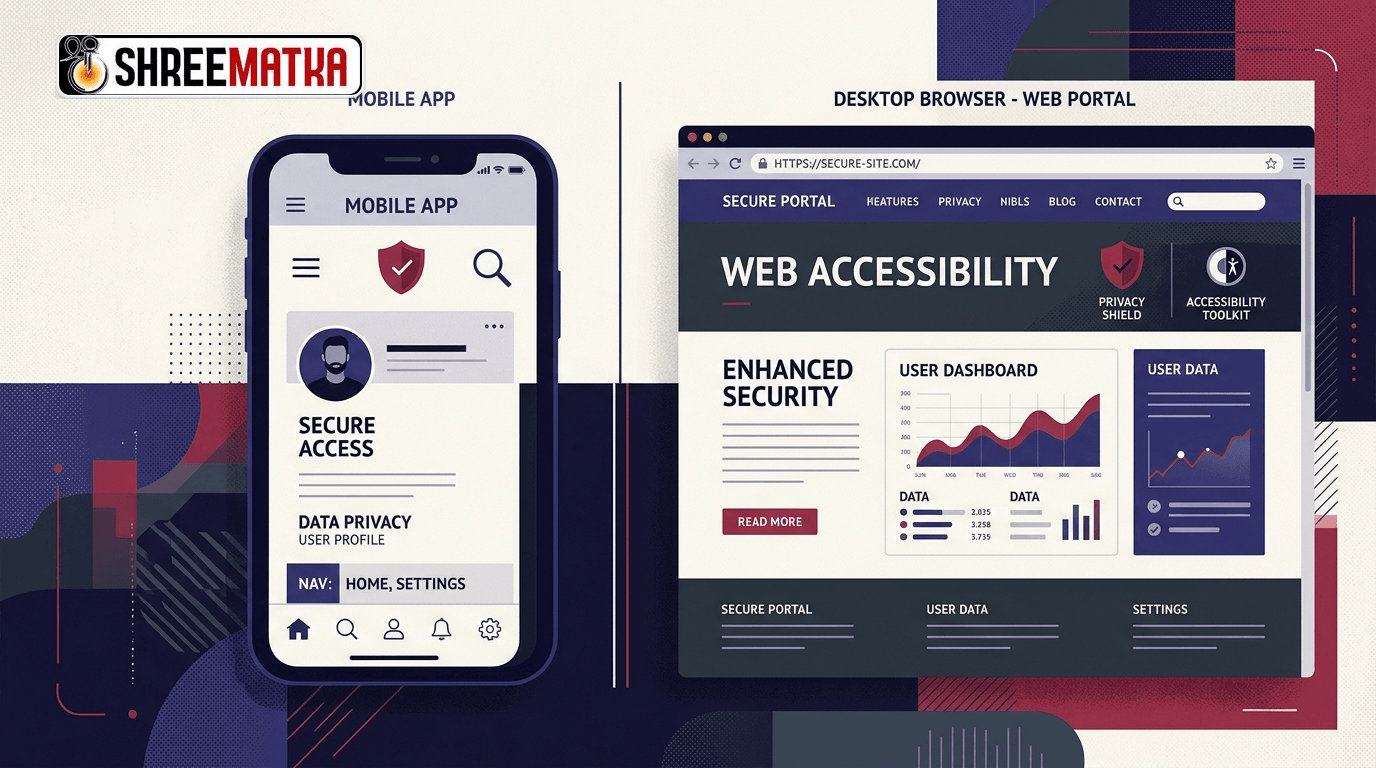
When accessing online probability databases, market result archives, and statistical charts, internet users routinely choose between two primary interfaces: launching a web browser or downloading an installed mobile application package (APK). While both options may present identical numbers, dates, and historical archives, their underlying technical architectures operate under drastically different security, data collection, and accessibility frameworks. Evaluating app vs website privacy requires examining how operating systems isolate software, how permissions are negotiated, and how assistive tools interact with content.
Neither format is universally superior; each embodies distinct architectural trade-offs. A modern web portal operates within a heavily constrained browser sandbox, while an installed Android application interacts directly with mobile operating system APIs.
Understanding these fundamental differences enables users to make conscious choices regarding their device exposure, personal privacy, and readability requirements.
1. The Security Boundary: Browser Sandbox vs Native OS Execution
The most significant distinction between a web portal and an installed application lies in their execution environment:
[Web Architecture]
User Device ──► Operating System ──► Browser Process Sandbox ──► Rendered Web Page (HTML/JS)
                                    └── Isolated Storage (Cookies, LocalStorage)

[Installed Application Architecture]
User Device ──► Operating System ──► Native Application Process (APK)
                                    └── Direct Hardware/Sensor APIs (Subject to OS Permissions)
The Browser Sandbox
When you visit a web portal like ShreeMatka using Google Chrome, Safari, or Firefox, the page executes inside a strict security perimeter known as the browser sandbox.
- The website cannot view what other applications are installed on your phone.
- It cannot read your contact address book, access device serial numbers (IMEI), or inspect local photo folders without explicit, granular user consent prompts.
- Web storage mechanisms—such as cookies, session tokens, and IndexedDB—are strictly partitioned by origin domain. An entity running on Domain A cannot query data stored by Domain B.
The Installed Application Environment
When you install a standalone application package (such as an .apk file downloaded to an Android device), the software runs as an independent operating system process. Depending on the permissions granted during installation or runtime:
- An application can potentially request background execution privileges, allowing it to poll servers even when your screen is locked.
- It can query persistent hardware identifiers, advertising IDs, and operating system build parameters.
- It stores local cache databases directly on device storage partitions.
For informational users seeking quick reference charts, accessing data through a web browser provides an immediate, hardware-isolated boundary that terminates the moment the browser tab is closed.
2. Comparing Privacy and Data Exposure Profiles
To evaluate the privacy footprints of both mediums, compare how common telemetry points are handled:
| Privacy / Telemetry Vector | Browser-Based Web Portal | Installed Mobile Application |
|---|---|---|
| Identity Persistence | Ephemeral; reset upon clearing browser data or using Incognito. | Tied to Android ID, hardware identifiers, or account sign-in. |
| Location Access | High-level geolocation requested explicitly via browser dialog. | Can request coarse/fine background location if granted. |
| Background Execution | Strictly restricted; suspended when tab or browser closes. | Can run background services, push workers, and wake locks. |
| Tracking Identifiers | Third-party cookies, IP address, and standard User-Agent strings. | Google Advertising ID (GAID), hardware fingerprinting, device telemetry. |
| Third-Party Scripting | Governed by browser Content Security Policies (CSP). | Bundled SDKs (analytics, ad networks, telemetry libraries). |
Reviewing an informational service’s documented privacy policy helps clarify what data is logged during standard server communication. A website primarily observes incoming HTTP headers and network connection metadata, whereas an installed app can potentially log local interaction patterns across application restarts.
3. Accessibility: Responsive Web Design vs Native Assistive APIs
Accessibility is the measure of how easily all users—including individuals with visual impairments, motor challenges, or aging eyesight—can perceive and interact with digital information.
Web Accessibility Strengths
- Native Viewport Zoom: In a browser, users can pinch-to-zoom on any wide table or text block. Browsers natively reflow text or provide horizontal scrollbars without crashing the layout.
- Semantic HTML Elements: Screen readers rely on semantic tags (
<header>,<main>,<nav>,<table>,<th>,<td>). When charts are coded with standard HTML markup, assistive tools can announce: "Column 3: Open Pana, Row 12: 148", giving visually impaired users full structural context. - System-Independent Text Sizing: Modern web stylesheets respect system font settings, scaling font sizes dynamically according to user preferences.
Mobile App Accessibility Strengths
- Direct Integration with TalkBack and VoiceOver: Native apps that utilize native Android UI components can communicate directly with accessibility focus rings, haptic feedback engines, and voice navigation shortcuts.
- Offline UI Templates: In low-connectivity environments, a native application retains its interface labels and layout structures locally, needing only to fetch raw data values over the network.
However, many third-party statistical applications are built as quick "web wrappers" (hybrid webviews) rather than native applications. A poorly implemented webview inside an app often combines the permission risks of an installed APK with inferior screen reader support, leaving users worse off than if they had simply used a mobile browser.
4. Update Mechanisms and Content Integrity
How software receives updates is a critical, often-overlooked security dimension:
- Instant Server-Side Web Updates: When a web development team updates a security header, corrects a historical typo, or modifies a data table, the change is deployed immediately to the web server. The next time you refresh your browser, you receive the latest, verified code.
- Asynchronous App Updates: An installed application requires binary updates. If an app is distributed outside official app marketplaces via direct APK sideloading, the user must manually download and replace the APK package to receive bug fixes or security patches. Users running outdated versions may view stale data or retain obsolete security libraries.
Before downloading any standalone APK, readers should inspect the how to play guidance and verify that the package originates directly from the official website domain rather than an untrusted third-party forum.
5. Questions Users Should Ask Before Installing an App
When deciding whether to view data via a website or install a dedicated application, consider the following practical questions:
- Why does an informational chart require device installation? If your primary goal is reading numbers or reviewing historical archives, a responsive web page provides identical data without occupying device storage.
- What permissions does the application request upon installation? Be cautious of simple utility applications that request access to contacts, SMS messages, storage folders, or camera hardware. An informational data viewer has no legitimate technical need for these permissions.
- Is the web portal fully responsive on your smartphone? Test the web layout. If the website provides clear navigation, sticky table headers, and smooth mobile scrolling, installing a dedicated app offers few functional advantages.
- Who published the installation package? Never install an APK shared via messaging apps, unverified file-hosting drives, or mirror websites. Unofficial clones frequently repackage legitimate utilities with malicious ad-injectors or spyware.
Frequently Asked Questions
1. Is browsing a website safer for my privacy than installing an APK?
Generally, yes. A web browser isolates websites within a secure execution sandbox, preventing pages from accessing your personal device files, contact lists, or background hardware identifiers. An installed application operates with deeper operating system access, which can increase telemetry collection if granted broad permissions.
2. Why do some apps request broad permissions to show simple charts?
Legitimate informational utilities only require basic internet connectivity (android.permission.INTERNET). If an application requests access to location, storage, microphone, or contacts, it may be incorporating aggressive third-party advertising or analytics SDKs designed to track user behavior across devices.
3. Can screen readers read data tables on mobile browsers?
Yes. Modern mobile screen readers like Google TalkBack (Android) and Apple VoiceOver (iOS) fully support semantic HTML tables. When web tables are marked up with proper table headers (<th>) and table row elements (<tr>), screen readers announce the column coordinate alongside each numeric value.
4. Does viewing charts on a mobile browser use more cellular data than an app?
Not necessarily. While an app caches its static interface locally, modern mobile web browsers also store static CSS, JavaScript, and image assets in local cache after the initial visit. Subsequent visits to web charts typically transfer only lightweight JSON or HTML data, resulting in comparable bandwidth usage.
Disclaimer
Visiting and browsing this website is strictly at your own risk. All information available here is for informational and entertainment purposes only and is based on number calculations. We are not associated or affiliated with any illegal Matka business. We make every effort to follow the rules and regulations of the regions from which the website is accessed. There is a chance the website may be banned in your area; if you continue to use it after that, you alone are responsible for any damage, loss or legal action that may follow. Satta Matka may be illegal in your jurisdiction — please be aware of and comply with your local laws. Gambling can be addictive; players must be 18 or older, and underage gambling is strictly prohibited. If you do not agree with this disclaimer, please leave the website immediately. Copying any content posted on this website is strictly prohibited.