
Chart Link Not Opening? Browser Problem or Page Problem?
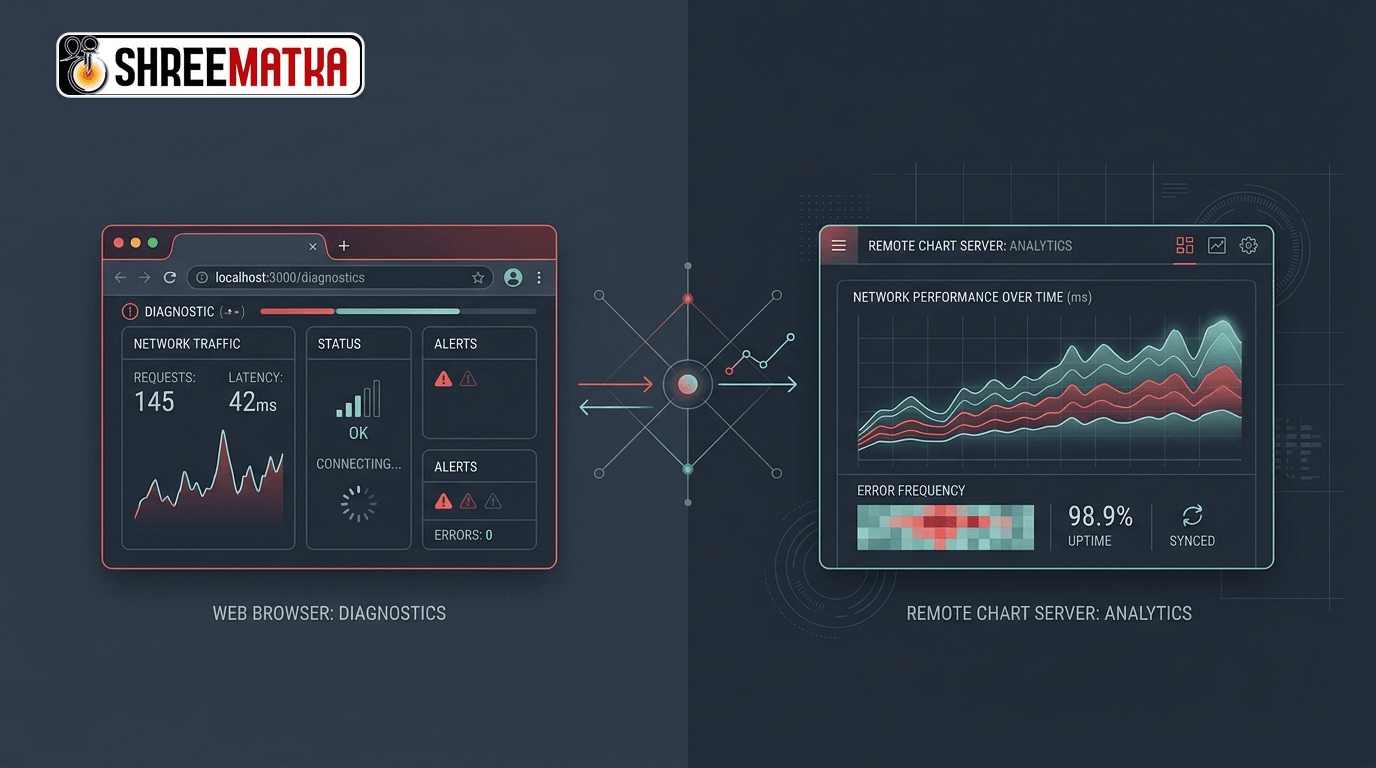
You click a bookmark or a navigation tab to inspect a historical archive, but the page stalls. The browser tab spins indefinitely, displays a blank white canvas, or throws an unhelpful error code. When encountering an issue where a website link not opening prevents access to important records, most visitors immediately assume that the hosting service is down. In modern web architectures, however, a failed page request can originate from several distinct layers between your physical thumb and the database server.
Modern data platforms rely on Single Page Application (SPA) client routers, dynamic API queries, Content Delivery Networks (CDNs), and responsive layout engines. A failure at any single point—from a corrupt local cache on your smartphone to a routing misconfiguration on an origin server—produces symptoms that look remarkably similar to an end user.
Rather than guessing why a data chart fails to render, applying a structured diagnostic sequence helps you isolate whether the obstacle lies inside your local browser, within your cellular network, or on the remote application server.
1. The Diagnostic Hierarchy: Where Can a Request Break?
To understand why a chart link fails, visualize the path an HTTP request travels:
[User Browser / Device]
      │  (DNS Lookup, Local Cache, Webview Handlers)
      ▼
[Mobile Network / ISP Gateway]
      │  (Cellular Handshake, Firewalls, Proxy Filters)
      ▼
[Edge CDN / Web Server Layer]
      │  (URL Rewrite Rules, SSL Certificate Termination)
      ▼
[Application API / Database]
When any component along this chain encounters friction, the user experiences a broken link. Isolating the specific failure point requires answering three initial questions:
- Can your device reach the broader internet? (Tests basic connectivity).
- Can your browser load other pages on the same website? (Tests domain availability).
- Does the exact target URL load on a different device or network? (Tests route-specific integrity).
2. Step-by-Step Diagnostic Sequence
Follow this sequential checklist before assuming a permanent server outage:
Step A: Check the URL Syntax and Slug Encoding
In interactive directories such as the ShreeMatka charts index, pages frequently use parameterized slugs, such as /pana/kalyan or /jodi/milan-day.
If a link was copied manually from a text message or third-party forum, check for common syntax corruptions:
- Accidental Whitespace or Special Characters: URLs containing unencoded spaces (e.g.,
/pana/kalyan morning) can break older mobile browsers if they are not properly percent-encoded (/pana/kalyan%20morning) or redirected to a canonical hyphenated slug (/pana/kalyan-morning). - Trailing Characters: Check for stray punctuation attached to the end of the address, such as commas, periods, or trailing slashes that may not exist in the routing table.
Step B: Test Unrelated Pages on the Same Domain
If /pana/time-bazar refuses to open, navigate directly to the website root (/) or the about us page.
- If the homepage loads instantly, the web server, DNS, and SSL certificates are completely healthy. The issue is strictly isolated to that specific sub-route or its underlying API endpoint.
- If the entire domain fails to respond, the issue stems from an upstream DNS glitch, ISP routing block, or origin server downtime.
Step C: Test in a Private / Incognito Window
Modern browsers aggressively cache JavaScript bundles and service worker scripts to accelerate page loads. When a website deploys an updated front-end version, an outdated cached bundle on your phone can attempt to query an obsolete API route, causing a perpetual loading spinner. Opening the link in an Incognito / Private window bypasses local caches and cookie stores, allowing you to test against raw server assets.
Step D: Switch Between Wi-Fi and Mobile Data
Cellular carriers frequently enforce strict transparent proxying and automated parental/security filters that occasionally block specific numeric archives or WebSocket ports. Switching from cellular data to a home Wi-Fi connection (or vice versa) instantly reveals whether the blockage is carrier-specific.
3. Understanding Common Error Codes
When a page refuses to load, modern browsers and HTTP servers supply standardized diagnostic status indicators:
| Error Indicator | Primary Location | Technical Meaning | Practical Action |
|---|---|---|---|
404 Not Found | Web Server | The server is active, but no asset or route matches the requested URL. | Verify URL spelling; search the main site navigation to locate updated links. |
500 / 502 / 503 | Origin Server / Gateway | The application server crashed, timed out, or is undergoing maintenance. | Issue is server-side. Retry in 15–30 minutes. |
ERR_NAME_NOT_RESOLVED | Local DNS / ISP | Your browser cannot translate the domain name into an IP address. | Flush local DNS cache, restart router, or toggle Airplane mode. |
ERR_CONNECTION_TIMED_OUT | Network Route | The server received the request but did not answer before the timeout threshold. | Check network stability or investigate regional ISP routing congestion. |
| Infinite Spinner (No Error) | Client JavaScript | The HTML loaded, but the client script encountered an unhandled API error. | Inspect developer console; test in an alternate browser. |
4. Client-Side Routing vs Server-Side Outages
A critical distinction in modern web applications built on React or Vite is the difference between client-side navigation and direct URL access:
In a traditional multi-page website, every click triggers a fresh request to an Apache or NGINX server. In a modern Single Page Application (SPA), clicking an internal link allows the client router to render the new screen instantly in JavaScript without requesting a full page refresh.
However, if a user bookmarks a deep link (e.g., https://shreematka.app/pana/kalyan) and opens it directly in a fresh browser session, the web server must be configured with URL rewrite rules (such as an .htaccess or server fallback) to serve the main HTML container. If an origin server lacks proper rewrite rules, direct links will fail with a 404 error even though navigating to the same chart from the homepage works flawlessly. Testing whether you can navigate to the chart from the homepage quickly identifies this specific configuration discrepancy.
5. Special Case: Fallback States and Placeholder Data
When an API connection encounters a temporary network timeout, well-engineered web applications are designed not to crash into a blank screen. Instead, they catch the error gracefully and may render an interface skeleton or fallback sample data accompanied by an informative banner.
It is crucial for readers to understand that a fallback screen or sample data state is not an authentic historical record. If a page displays a warning stating that remote results could not be synchronized and presents generalized demonstration rows, you should not record or cite those figures as actual market outcomes. Refresh the connection or consult platform documentation such as the data sourcing policy before analyzing figures.
6. How to Report a Reproducible Route Failure
If your diagnostic tests prove that a specific link is genuinely broken on the server side, reporting the issue helps technical teams deploy a fix promptly. Avoid vague messages like "The Kalyan chart is broken."
Include these four essential technical details in your communication:
- Exact URL: The complete string copied directly from your address bar.
- Access Method: State whether you clicked an internal site button or opened a direct bookmark.
- Exact Error Message: Copy the precise text or HTTP error code displayed on screen.
- Device and Browser: Mention whether you are using Chrome on Android, Safari on iOS, or Edge on Windows.
Frequently Asked Questions
1. Why does a chart link work on my laptop but fail on my mobile phone?
This usually occurs because mobile browsers retain aggressive local caches, or because mobile carriers route traffic through cellular proxy filters that treat long-lived data connections differently than desktop broadband. Clearing your mobile browser cache or opening the link in a private tab often resolves the problem.
2. What does an empty white screen indicate when clicking a link?
A completely blank white screen on a modern web application typically signifies a client-side JavaScript execution error. The browser successfully downloaded the base webpage, but a background script crashed while attempting to parse data or initialize a component. Testing the page with browser extensions disabled usually identifies the conflict.
3. Does a 502 Bad Gateway error mean the website is permanently gone?
No. A 502 Bad Gateway error is almost always temporary. It simply means that an edge reverse-proxy server (such as Cloudflare or an NGINX load balancer) attempted to contact the upstream application server and received an invalid response. These issues are typically resolved within minutes during automated server reboots or routine maintenance.
4. Can browser ad-blockers prevent data tables from loading?
Yes. Some aggressive content blockers and privacy extensions misidentify analytical scripts, data tables, or charting libraries as tracking scripts. If a chart refuses to render, temporarily disabling ad-blocking extensions for that specific domain can restore full functionality.
Disclaimer
Visiting and browsing this website is strictly at your own risk. All information available here is for informational and entertainment purposes only and is based on number calculations. We are not associated or affiliated with any illegal Matka business. We make every effort to follow the rules and regulations of the regions from which the website is accessed. There is a chance the website may be banned in your area; if you continue to use it after that, you alone are responsible for any damage, loss or legal action that may follow. Satta Matka may be illegal in your jurisdiction — please be aware of and comply with your local laws. Gambling can be addictive; players must be 18 or older, and underage gambling is strictly prohibited. If you do not agree with this disclaimer, please leave the website immediately. Copying any content posted on this website is strictly prohibited.