
How to Spot Fake Satta Matka Apps: Permissions, Fake Links & Safety Guide
Technical researcher and editorial contributor specializing in historical chart structures, data verification, record integrity, and digital safety.
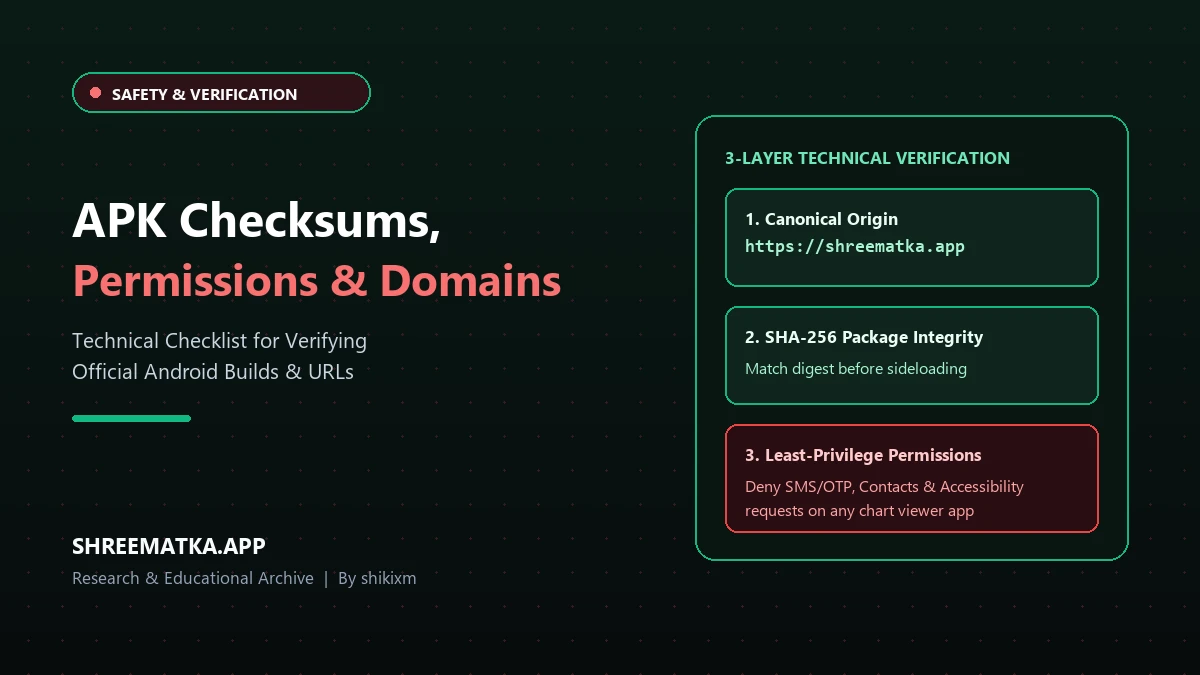
Almost every Satta Matka player or chart follower in India has seen messages forwarded across WhatsApp groups or Telegram channels promising:
- "Download the Official ShreeMatka App for 100% Super Fast Live Results!"
- "Install our VIP APK to receive direct unreleased leak numbers!"
When you open the link, the installation screen looks completely genuine. It displays familiar colors, matches the brand typography, and showcases genuine-looking chart graphics.
You download the file, tap Install, and your smartphone displays a series of system permission prompts requesting access to read your SMS messages, access your contact address book, or turn on device accessibility services.
Thousands of users instinctively tap "Allow" without considering the consequences.
This is the single most dangerous mistake you can make on an Android smartphone.
Fake applications and modified installation packages (.apk files) are circulated by cybercriminals for one primary objective: to intercept your incoming bank One-Time Passwords (OTPs), monitor your UPI PIN entries, and compromise your personal financial accounts.
In this simple, practical security guide, we explain how fraudulent APK files operate, examine the dangerous system permissions you must never authorize, explain what digital checksums mean in plain language, and demonstrate why browsing via Google Chrome is 100 times safer than installing unknown files.
1. The Red Flag Test: Dangerous Permissions No Chart App Needs
Consider what an informational chart viewer actually does:
- It displays today's declared Open and Close numbers.
- It presents weekly Jodi and Panel Charts.
- It lists opening and closing market timetables.
To perform these basic tasks, an application requires solely an active internet connection. That is all!
Safe Permissions vs Dangerous Exploitation Requests:
┌────────────────────────────────────────────────────────┐
│ NORMAL & SAFE PERMISSION:                              │
│   ✔ Internet Access (Required to fetch today's numbers)│
├────────────────────────────────────────────────────────┤
│ DANGEROUS PERMISSIONS (NEVER AUTHORIZE THESE!):        │
│   ✖ READ_SMS / RECEIVE_SMS (Intercepts bank OTPs!)     │
│   ✖ READ_CONTACTS (Steals address book for spam)       │
│   ✖ BIND_ACCESSIBILITY_SERVICE (Takes over screen)     │
│   ✖ SYSTEM_ALERT_WINDOW (Draws fake bank overlays)     │
│   ✖ READ_CALL_LOG (Monitors telephone verification)    │
└────────────────────────────────────────────────────────┘
The 2 Deadliest Permissions Scammers Ask For:
- Accessibility Service (
BIND_ACCESSIBILITY_SERVICE): If an app prompts you to open Android Settings and toggle "Accessibility" for their software, delete the file immediately. This permission is engineered for visually impaired assistance; when granted to rogue apps, it allows the software to silently click buttons, read private text on your screen, and authorize financial transfers without your knowledge! - Display Over Other Apps (
SYSTEM_ALERT_WINDOW): Fraudsters use this capability to draw an invisible transparent window over your legitimate PhonePe, Google Pay, or Paytm screen, capturing your secret UPI PIN as you tap the keypad.
2. What is an APK Checksum? (The Digital Fingerprint Explained)
In cybersecurity discussions, you will frequently hear the phrase "SHA-256 Checksum" or "Hash Verification."
While this sounds like complex mathematical jargon, the concept is as simple as a human fingerprint:
💡 Formula / Calculation:
Official APK File ⇒ Produces One Unique, Unchangeable Digital Fingerprint
- When software engineers compile an official application, they run the file through a mathematical formula that generates a unique 64-character fingerprint (the checksum).
- If a cybercriminal takes that original app, opens its code, and adds just one single line of spyware to steal bank OTPs, the entire checksum changes completely!
- If the publisher lists the authentic checksum on their official website (e.g., on our About Us page), you can compare it using free tools. If the numbers do not match letter-for-letter, the file has been tampered with and is dangerous.
3. How Scammers Use Lookalike Links to Trick Smartphone Users
Scammers cannot legally purchase the official platform address, so they register deceptive copycat links that look convincing on compact phone screens:
| Scam Link Technique | How Scammers Deceive Users | Dangerous Example to Avoid |
|---|---|---|
| Appended Keywords | Adding descriptive tags like -vip, -apk, or -bonus. | shreematka-vip-apk.com (Fake!) |
| Character Swaps | Replacing letter l with digit 1, or letter o with digit 0. | shreematka-officia1.com (Fake!) |
| Disposable Extensions | Registering cheap $1 domains instead of standard extensions. | shreematka.xyz or shreematka.top (Fake!) |
| Direct Chat File Shares | Forwarding raw unverified .apk files directly in Telegram groups. | Never install raw files forwarded in chat! |
The official, authentic web address for our service is always strictly:
💡 Formula / Calculation:
https://shreematka.app/
Inspect the top address bar in your mobile browser. If you observe auxiliary hyphens, misspelled words, or unusual domain extensions, exit the site immediately.
4. Why Checking via Google Chrome is 100 Times Safer
Many users assume they must install a dedicated app to follow daily market outcomes.
This assumption is entirely incorrect.
When you access charts via Google Chrome or Apple Safari:
- The browser runs the website inside an isolated, hardened security sandbox.
- The website cannot read your incoming SMS messages or bank OTPs.
- The website cannot access your personal address book or photo gallery.
- The website cannot interact with your installed banking applications (PhonePe, GPay, Paytm).
- You receive rapid live updates without consuming valuable phone storage or draining battery life.
Installing Sideloaded APK vs Visiting Mobile Browser
┌──────────────────────────┬─────────────────────────────┬──────────────────────────┐
│ Security Factor          │ Sideloaded APK File         │ Mobile Web Browser       │
├──────────────────────────┼─────────────────────────────┼──────────────────────────┤
│ Can it steal bank OTPs?  │ YES (If SMS allowed)        │ NO (Mathematically locked│
│ Can it steal contacts?   │ YES                         │ NO (Zero access)         │
│ Phone storage consumed   │ 40 MB to 120 MB             │ Zero permanent storage   │
│ Device risk level        │ Extremely High              │ Completely Safe          │
└──────────────────────────┴─────────────────────────────┴──────────────────────────┘
5. How to Add a 1-Tap Home Screen Shortcut (Zero Installation)
You do not need to download risky third-party files to enjoy convenient 1-tap access on your phone screen:
- Launch Google Chrome on your Android smartphone.
- Navigate to
https://shreematka.app/. - Tap the three vertical dots in the upper-right corner of Chrome.
- Select "Add to Home screen" (or "Install app").
- Confirm by tapping Add.
A clean, responsive ShreeMatka icon will now appear on your home screen alongside your standard applications. It launches instantly in full-screen display, delivers real-time updates, and operates with zero security risks.
6. Emergency Recovery: What to Do If You Installed a Suspicious File
If you suspect you inadvertently installed an unauthorized or malicious app, execute these protective measures immediately:
- Activate Airplane Mode Instantly: Swipe down your notification shade and enable Airplane Mode to sever all Wi-Fi and mobile data transmissions, preventing spyware from transmitting stolen credentials.
- Uninstall the Application: Navigate to Settings → Apps → All Apps, locate the suspicious software, tap Force Stop, and select Uninstall.
- Inspect Accessibility Settings: Open Settings → Accessibility and ensure no unrecognized application possesses active system monitoring rights.
- Run Google Play Protect: Launch the Google Play Store, tap your profile icon in the upper-right corner, select Play Protect, and tap Scan to audit your device for malicious remnants.
- Reset Banking Credentials: Using a secondary, secure device, immediately update your UPI PINs, mobile banking passwords, and email account credentials.
Frequently Asked Questions
1. Does a Satta Matka chart app ever require SMS or Contact permissions?
No, never. Reviewing market charts, opening timetables, and historical numbers requires solely an internet connection. Any application requesting permission to read SMS messages, inspect contact books, or manage phone calls is dangerous and is engineered to capture private banking OTPs.
2. Why should you never install an APK forwarded inside a Telegram channel?
Anyone can modify an Android application package, embed malicious spyware or Trojan code into it, and distribute it across Telegram or WhatsApp. Because files shared directly in messaging channels bypass Google Play Protect verification, installing forwarded APKs is the leading cause of mobile banking fraud.
3. Does an HTTPS lock icon guarantee that an APK download is authentic?
No. The HTTPS lock icon certifies only that the connection between your smartphone and the hosting server is encrypted. Cybercriminals easily secure free SSL certificates for deceptive clone domains. Always verify the exact spelling of the domain address (shreematka.app).
4. Can I follow all Kalyan and Milan charts without installing any application?
Yes. You can explore all daily charts, opening timetables, and multi-decade historical archives directly in your smartphone's web browser at ShreeMatka Charts without downloading files or sharing personal information.
5. How do I verify whether a ShreeMatka website is authentic or counterfeit?
Inspect the address bar at the top of your mobile browser. The authentic, official web address is strictly https://shreematka.app/. If the link includes extraneous keywords (such as -vip, -bonus) or unusual domain extensions (such as .xyz or .top), you are viewing an unauthorized clone page.
Disclaimer
Visiting and browsing this website is strictly at your own risk. All information available here is for informational and entertainment purposes only and is based on number calculations. We are not associated or affiliated with any illegal Matka business. We make every effort to follow the rules and regulations of the regions from which the website is accessed. There is a chance the website may be banned in your area; if you continue to use it after that, you alone are responsible for any damage, loss or legal action that may follow. Satta Matka may be illegal in your jurisdiction - please be aware of and comply with your local laws. Gambling can be addictive; players must be 18 or older, and underage gambling is strictly prohibited. If you do not agree with this disclaimer, please leave the website immediately. Copying any content posted on this website is strictly prohibited.